Beta · Windows
Download Shinkofa Browser
The Windows beta is ready: one installation, and you can try it.
Download for Windows
Size: 98 MB · File: Shinkofa-Browser-Setup-12.17.3-154.0.2-r5.exe
Only the Windows version works today.
Windows may show you a warning: that is normal
The installer is not yet signed with a paid certificate, so Windows is wary of any file it does not know. Here is how to continue.
When you see “Windows protected your PC”, click “More info”.
Click “Run anyway”.
Follow the installation, then open Shinkofa Browser.
What you find from the first launch
Each point has been seen on screen.
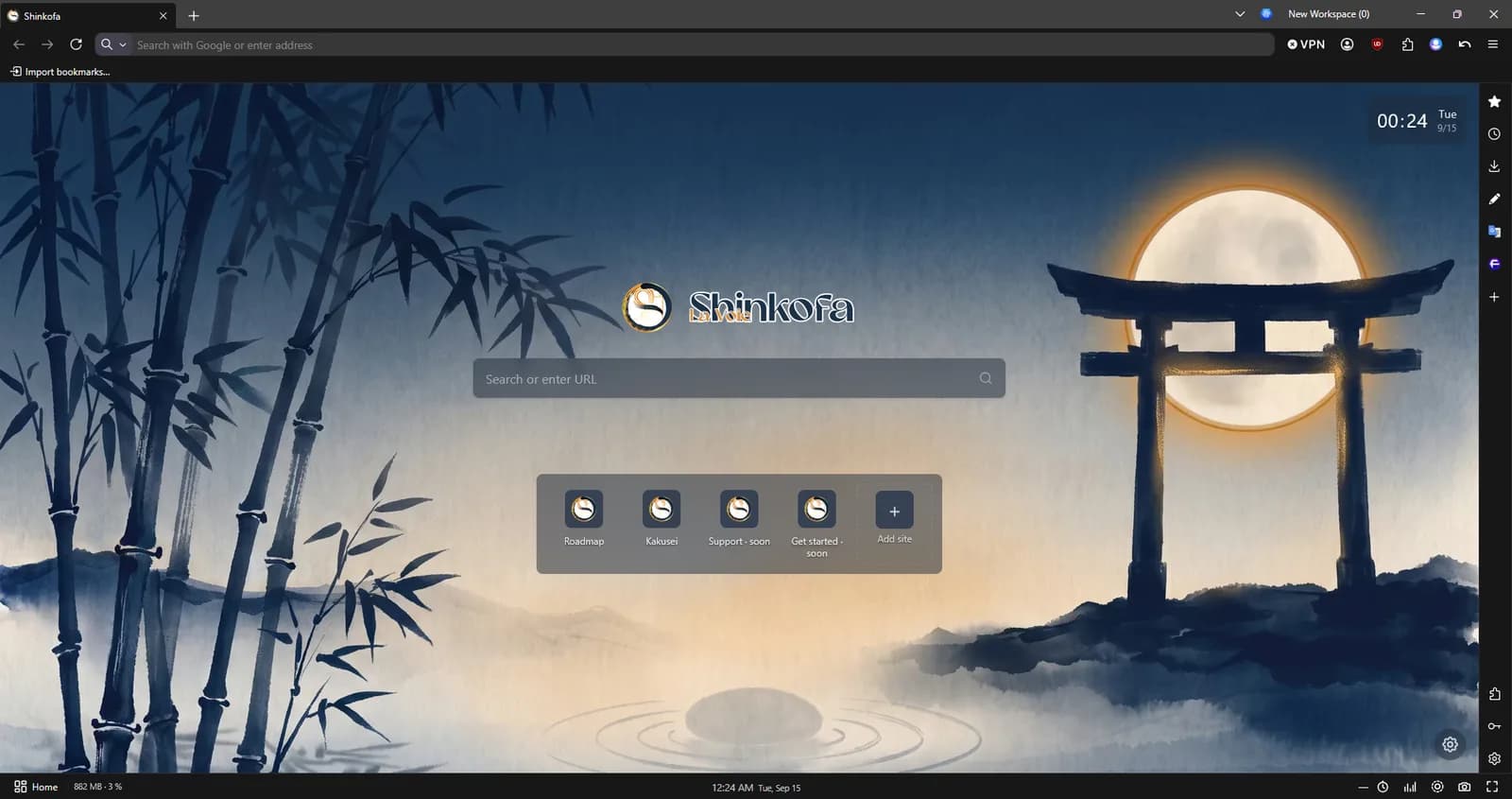
- A built-in ad blocker, active from the first launch
- The Shinkofa bar at the bottom of the window: guided breathing, energy check-in, pomodoro, screenshot
- A new tab with twelve paintings that change through the day
- The clock and your machine's measurements in the bar
Check your download (optional)
To make sure the file is the one we publish, compare its fingerprint with the one below.
In PowerShell, from the download folder:
Get-FileHash .\Shinkofa-Browser-Setup-12.17.3-154.0.2-r5.exe -Algorithm SHA256The result must be exactly:
9231105707116C6682022A4B3E2CC726C599584E8B6A4786DE2F4FD376590916Shinkofa Browser is built on the open code of Firefox (MPL 2.0 licence).